WHITE
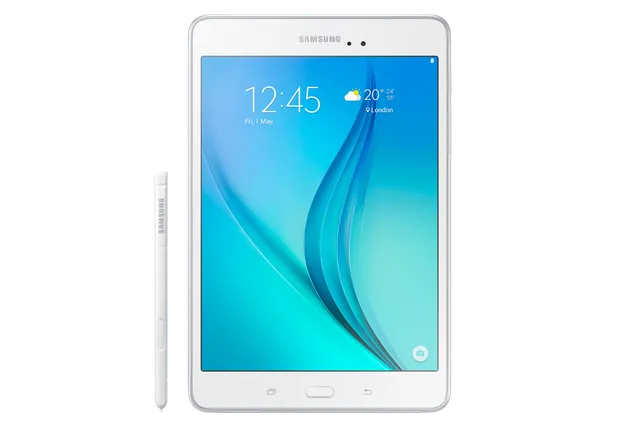
Tablet · Samsung Galaxy Tab A 8.0
Stock firmware and official updates for the Samsung Galaxy Tab A 8.0 (SM-P350), by region.
Samsung's official release notes, newest first.
- Other bug fixes ㆍFixed an issue that the device screen displays a dual clock widget. - The latest Android security patch has been applied. ㆍDevice security has been further enhanced.
Released for 1 CSC: CHN
Source: Samsung- The Email app has been changed so that it is deletable. (Users can now uninstall the Email app.) - Removed the Baidu Maps app. - The latest Android security patch has been applied. ㆍDevice security has been further enhanced.
Released for 1 CSC: CHN
Source: Samsung- The latest Android security patch has been applied. ㆍDevice security has been further enhanced.
Released for 2 CSCs: BRI, TGY
Source: Samsung· OS upgrade - Android 6.0 Marshmallow · The new TouchWiz provides enhanced usability and an updated visual design. · Quick connect helps you easily find and connect to nearby devices by showing currently connected devices and previous connections. · Settings for the following have been reset: Theme, Email, Icon/Widget ※ After upgrade, KidsTime, SamsungGalaxyLife are not supported again, which will be removed. ※ Android 6.0 Marshmallow does not support the Decrypt device function. If your mobile device is encrypted, encryption cannot be disabled after upgrading. If you want encryption to be disabled after upgrading, it must be disabled before you upgrade your device. To disable encryption go to Settings - Lock screen and security - Other security settings, then select Decrypt device. ※ Some apps that were installed via the Lollipop OS may need to be updated after upgrading to the Marshmallow OS. Go to Galaxy Apps or Play Store to update apps. ※ Some changes may vary depending on country or network operator. ※ The functionality of some features may differ after the upgrade. Some apps may not function normally. ※ Errors during the upgrade may cause data loss. Back up any important data before upgrading
 Hong Kong SAR China TGYBuildP350ZSU1BQJ1AndroidAndroid 6Security patch—ReleasedDec 1, 2017DetailsWhat's new
Released for 2 CSCs: BRI, TGY
- The latest Android security patch has been applied. ㆍDevice security has been further enhanced.
Released for 2 CSCs: BRI, TGY
Source: Samsung· OS upgrade - Android 6.0.1 Marshmallow · Baidu search has been updated. · Removed new application : GameBox. · The new TouchWiz provides enhanced usability and an updated visual design. · Quick connect helps you easily find and connect to nearby devices by showing currently connected devices and previous connections. · Settings for the following have been reset: Email, Icon/Widget ※ Android 6.0 Marshmallow does not support the Decrypt device function. If your mobile device is encrypted, encryption cannot be disabled after upgrading. If you want encryption to be disabled after upgrading, it must be disabled before you upgrade your device. To disable encryption go to Settings - Lock screen and security - Other security settings, then select Decrypt device. ※ Some apps that were installed via the Lollipop OS may need to be updated after upgrading to the Marshmallow OS. Go to Galaxy Apps to update apps. ※ Some changes may vary depending on country or network operator. ※ The functionality of some features may differ after the upgrade. Some apps may not function normally. ※ Errors during the upgrade may cause data loss. Back up any important data before upgrading.
Released for 1 CSC: CHN
Source: Samsung- Improved performance with efficient memory management ㆍOptimized closing unused applications ㆍNotification of unstable applications - Security Enhancements - Improved the stability
Released for 2 CSCs: BRI, TGY
Source: Samsung